What is an SVG Cut File and Why It Matters for Your Creative Projects
SVG cut files are becoming increasingly popular among crafters, designers, and DIY enthusiasts. These scalable vector graphics offer a versatile and high-quality solution for creating everything from stickers and cards to home décor and promotional materials. Whether you're a beginner or an experienced creator, understanding what SVG cut files are and how they work can help you unlock new creative possibilities.
Understanding SVG Cut Files: A Beginner’s Guide
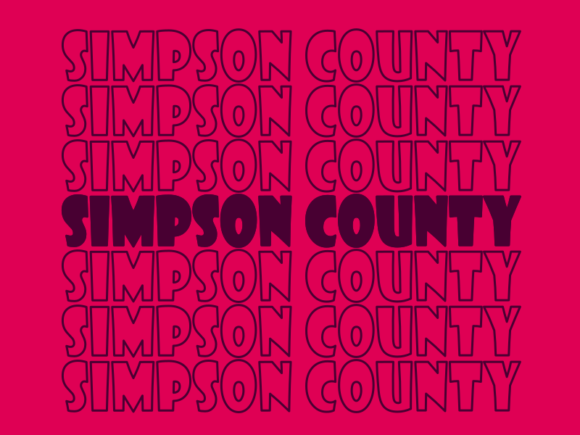
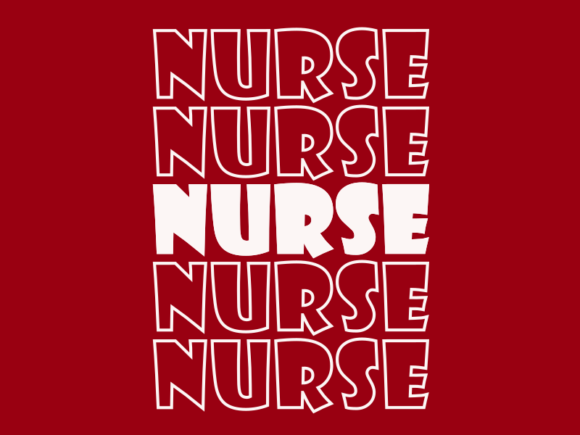
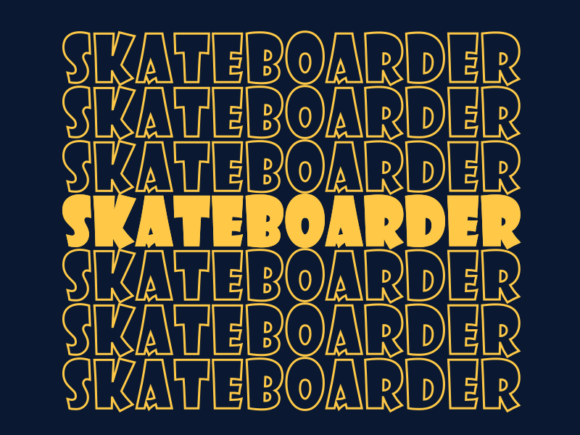
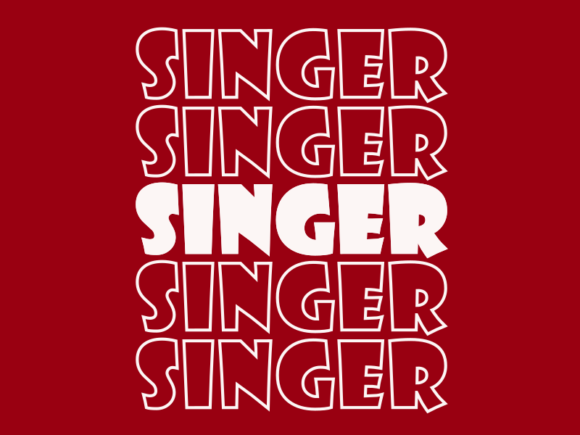
An SVG (Scalable Vector Graphics) cut file is a type of digital graphic that can be used with cutting machines like the Silhouette or Cricut. Unlike traditional raster images such as JPEGs or PNGs, SVG files are based on mathematical equations, which means they can be scaled infinitely without losing quality. This makes them ideal for use in various projects where precision and clarity are essential.
One of the key advantages of SVG cut files is their scalability. Whether you need a small logo for a business card or a large banner for an event, an SVG file will maintain its sharpness and detail at any size. This flexibility is especially useful when working with different materials such as vinyl, leather, felt, and cotton, as it allows for consistent results across a wide range of applications.
How SVG Cut Files Work with Digital Cutting Machines
To use an SVG cut file, you first need to download it from a reliable source. Once downloaded, the file can be imported into your digital cutting machine's software. The machine then interprets the vector paths and cuts along those lines to create your desired design. This process is fast, efficient, and highly customizable.
Many SVG cut files come with multiple color options, allowing you to choose the best fit for your project. Some even include layers or editable elements, giving you more control over the final outcome. This level of customization makes SVG cut files a favorite among both hobbyists and professionals alike.
The Benefits of Using SVG Cut Files
- High Quality: SVG files maintain their clarity regardless of size, ensuring your designs look sharp and professional.
- Cost-Effective: With one SVG file, you can create multiple versions of your design in different sizes and colors, reducing the need for multiple files.
- Easy to Edit: Since SVG files are vector-based, you can easily modify colors, shapes, and text using graphic design software like Adobe Illustrator or Inkscape.
- Wide Range of Applications: From scrapbooking and greeting cards to branding and packaging, SVG cut files are versatile enough to suit almost any creative need.
- Compatibility: Most modern cutting machines support SVG files, making them a universal choice for crafting and design.
Common Misconceptions About SVG Cut Files
Despite their popularity, some people still have misconceptions about SVG cut files. One common misunderstanding is that they are only suitable for certain types of projects. In reality, SVG cut files can be used for a wide variety of applications, including invitations, posters, banners, and even jewelry design.
Another misconception is that SVG files are difficult to use. While they may require some basic knowledge of digital cutting machines, most SVG files come with user-friendly instructions and templates, making them accessible to beginners. Additionally, many online resources provide tutorials and guides to help users get started with SVG cut files.
Where Can You Use SVG Cut Files?
SVG cut files are not limited to paper-based projects. They can be used on a variety of materials, including:
- Vinyl for decals and stickers
- Leather for personalized accessories
- Felt for handmade crafts and toys
- Cotton for fabric-based projects
- Cardstock for scrapbooking and invitations
- Wood for decorative signs and plaques
These materials can be cut using a variety of machines, depending on your project's needs. For example, a Silhouette Cameo is great for intricate designs, while a Cricut Explore Air is ideal for quick and easy projects.
Practical Examples of SVG Cut File Usage
SVG cut files are used in a wide range of industries and personal projects. Here are a few examples:
- Wedding Invitations: Design custom wedding invites using SVG cut files for logos, text, and decorative elements.
- Classroom Activities: Teachers can use SVG cut files to create educational tools like flashcards and interactive learning aids.
- Business Cards: Create unique and eye-catching business cards by combining SVG designs with text and logos.
- Home Décor: Personalize your space with custom wall art, coasters, and other decorative items made from SVG cut files.
- Marketing Materials: Use SVG cut files for brochures, posters, and promotional signage to stand out from the competition.
Choosing the Right SVG Cut File for Your Project
When selecting an SVG cut file, consider the following factors:
- Quality: Ensure the file is clean, well-structured, and free from errors or missing paths.
- Compatibility: Check if the file works with your specific cutting machine and software.
- Customization Options: Look for files that allow you to change colors, adjust sizes, or edit text.
- License: Make sure you're purchasing a file that grants you the right to use it for your intended purpose.
Many online marketplaces offer a wide selection of SVG cut files, ranging from simple shapes to complex illustrations. Always read reviews and check the seller's reputation before making a purchase.
Conclusion: Embrace the Power of SVG Cut Files
SVG cut files are more than just digital graphics—they are a powerful tool for creativity, efficiency, and customization. Whether you're designing for personal use or professional purposes, these files offer a versatile and high-quality solution that can elevate your projects to the next level.
By understanding the benefits, uses, and practical applications of SVG cut files, you can unlock new possibilities in your creative journey. So why not explore the world of SVG cut files today and see how they can transform your crafting and design projects?